
Table of Contents
- Check Compatibility Before Comparing Graphics
- What Makes Golf Simulator Software Feel Realistic?
- Launch Monitor Software and Simulator Software Are Not the Same Thing
- Golf Simulator Software Options Worth Comparing
- How to Evaluate Virtual Golf Courses
- Ball Physics Matter More Than Screenshots
- Computer Performance Can Limit Software Realism
- The Projector and Screen Also Affect Perceived Realism
- Choose Software by Use Case
- Questions to Answer Before Buying
- Start With Software That Supports Your Existing Hardware
- Common Software Selection Mistakes
- FAQ
- Conclusion
Golf Simulator Software Guide
Most Realistic Golf Simulator Software: Courses, Physics & Compatibility Compared
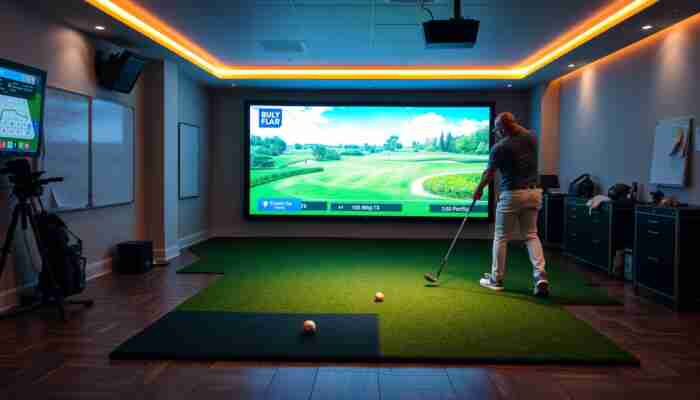
Realistic golf simulator software does more than display an attractive virtual course. It must turn measured shot data into believable ball flight, react consistently to terrain, provide clear visual feedback, and work correctly with the launch monitor powering the simulator.
That is why the software with the most impressive screenshots is not automatically the best choice. Compatibility, ball physics, course quality, computer requirements, practice tools, multiplayer options, and licensing can matter just as much as graphics.
To explore available platforms and related products, start with
golf simulator software.
You can also compare
launch monitors,
complete golf simulators,
and
golf simulator computers.
Quick answer
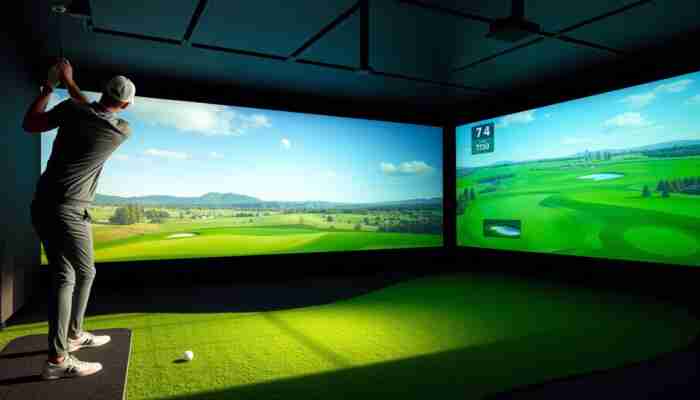
The most realistic golf simulator software is the platform that works with your launch monitor, processes its data consistently, provides believable ball and terrain behavior, and offers the courses or practice modes you will actually use. There is no single best platform for every simulator because hardware compatibility and intended use differ.
First buying rule
Check Compatibility Before Comparing Graphics
Simulator software cannot use shot data from every launch monitor automatically. Before comparing virtual courses, confirm that the platform supports your exact launch monitor, computer operating system and intended connection method.
What Makes Golf Simulator Software Feel Realistic?
Golf simulator realism is produced by several connected systems. The launch monitor measures the shot, the software calculates the result, and the visual equipment displays the virtual ball flight and course.
The most important software-level factors are:
Shot realism
- consistent ball-flight calculations
- believable spin and curvature
- predictable bounce and roll
- clear treatment of wind and elevation
- low delay between impact and visual result
Course realism
- recognizable course layouts
- detailed greens and hazards
- useful elevation and lie information
- readable lighting and visual contrast
- stable frame rate on supported hardware
To understand how the tracking and calculation process works before the image reaches the screen, read
how golf simulators work.
Launch Monitor Software and Simulator Software Are Not the Same Thing
A launch monitor is the hardware that measures the shot. Simulator software is the platform that uses the measured data to create practice feedback, virtual ranges, games or golf-course play.
Some launch monitor companies provide their own software ecosystem. Other devices can connect to one or more third-party simulation platforms. The available combination depends on the device, software license, computer and connection method.
Important distinction
TrackMan, SkyTrak, FlightScope and Foresight Sports are primarily hardware or simulator ecosystems. GSPro, E6 CONNECT, The Golf Club 2019 and Awesome Golf are examples of software platforms. A buyer should not compare all of them as if they were the same product type.
Golf Simulator Software Options Worth Comparing
The following platforms represent different approaches to simulator play. They are not ranked as universal winners because compatibility, licensing and use cases differ.
| Software option | Best reason to consider it | What to verify first |
|---|---|---|
| GSPro | Course-focused simulator play and a strong emphasis on visual and gameplay realism | Launch monitor support, computer requirements and current licensing |
| E6 CONNECT | A polished platform that can suit home play, multiplayer sessions and varied simulator ecosystems | Supported hardware, included content and license tier |
| The Golf Club 2019 | Course variety and community-oriented course content | Current availability, device support and computer performance |
| Awesome Golf | Practice activities, games and sessions involving different skill levels | Compatibility, available practice modes and subscription terms |
| FSX Play | Native software consideration for compatible Foresight Sports setups | Exact hardware, computer and license requirements |
| Brand-native software | Simpler support path when hardware and software come from the same ecosystem | Course access, subscriptions, upgrade options and third-party compatibility |
Before purchasing: software compatibility, supported launch monitors, course libraries, licensing models and subscription terms can change. Confirm the current requirements with both the software provider and the launch monitor manufacturer.

How to Evaluate Virtual Golf Courses
A large course library is useful only when the courses match the way you want to use the simulator. A golfer focused on entertainment may value variety. A player training for real golf may care more about believable greens, hazards, elevation changes and course-management decisions.
Course layout and scale
The virtual hole should present clear distances, hazards, landing areas and elevation changes. These elements make course strategy understandable and help the player choose targets rather than simply hit toward the screen.
Green and terrain behavior
Realistic terrain behavior means that slopes, rough, bunkers and greens produce consistent results within the software’s physics model. Consistency matters more than exaggerated visual effects because golfers need to understand why a shot behaved the way it did.
Visual readability
Good visuals should make the course easier to read. The golfer should be able to distinguish fairway, rough, hazards, green contours and target areas without struggling with dark images, excessive detail or poor contrast.
Course variety
Course variety becomes valuable when it creates different decisions. Useful libraries include a mix of narrow and wide layouts, elevation changes, strategic hazards, short and long holes, and different visual environments.
Ball Physics Matter More Than Screenshots
Simulator software receives measured data from the launch monitor and uses that information to calculate the virtual shot. The result should react predictably to ball speed, launch direction, launch angle, spin and the environmental settings used in the software.
A realistic physics model should answer four practical questions:
- Does the virtual shot shape match the measured launch data?
- Do carry and rollout behave consistently between similar shots?
- Do wind, elevation and terrain alter the shot in understandable ways?
- Can the golfer identify why two shots produced different outcomes?
Software cannot repair poor measurement data. If the launch monitor misreads the shot or the room setup interferes with tracking, even strong simulation software may display an unrealistic result. See
what affects golf simulator accuracy
for a deeper explanation.
Computer Performance Can Limit Software Realism
Detailed courses and high-resolution graphics require suitable computer hardware. A software platform may support advanced visual settings, but the experience can still feel poor if the computer cannot maintain smooth performance.
Before selecting software, check:
- supported operating system
- processor requirements
- graphics card requirements
- available memory and storage
- screen resolution and aspect ratio
- internet requirements for installation, updates or online play
Compare suitable hardware in
golf simulator computers.
The Projector and Screen Also Affect Perceived Realism
Software controls the virtual environment, but the projector and impact screen determine how that environment appears in the room. A strong software platform can still look weak if the image is dim, distorted, cropped or displayed on an unsuitable screen.
| Component | How it affects realism | What to check |
|---|---|---|
| Projector | Controls image brightness, detail and visible motion | Throw distance, resolution, brightness and mounting position |
| Impact screen | Affects image sharpness, noise and visual uniformity | Screen size, tension, material and aspect ratio |
| Room lighting | Affects contrast and course visibility | Ambient light near the screen and hitting area |
Review
golf simulator projectors
and
simulator screens
when planning the visual side of the setup.
Choose Software by Use Case
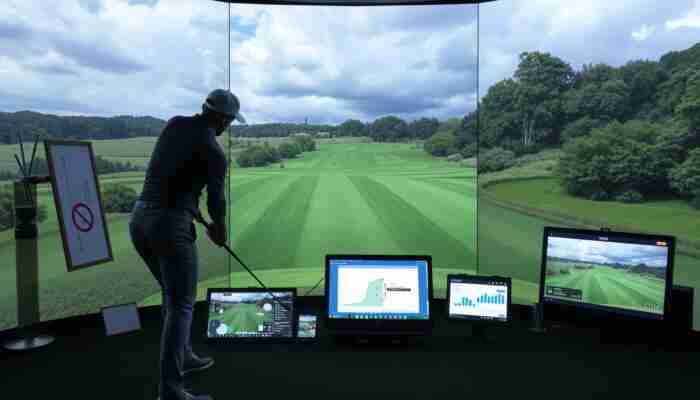
The best software choice becomes clearer when the golfer defines the main use case first.
Questions to Answer Before Buying
Compare current options
Start With Software That Supports Your Existing Hardware
Once compatibility is confirmed, compare course play, practice tools, visual quality, computer requirements and licensing. This prevents you from choosing an attractive platform that cannot work properly with the rest of your simulator.
Common Software Selection Mistakes
FAQ
What is the most realistic golf simulator software?
The most realistic option depends on the launch monitor, computer and type of play. Compare software by shot physics, course quality, hardware compatibility, visual performance and the practice or multiplayer features you need.
Does golf simulator software work with every launch monitor?
No. Each software platform supports specific devices and connection methods. Confirm compatibility with the exact launch monitor model before purchasing a license.
Are realistic graphics the most important feature?
No. Graphics improve immersion, but useful simulator software must also process launch data consistently, provide believable ball and terrain behavior, run smoothly and support the golfer’s hardware.
Do I need a gaming computer for golf simulator software?
It depends on the platform and visual settings. Software with detailed courses and higher resolutions may require a stronger processor and graphics card than a simple practice application.
Can simulator software help improve my real golf game?
It can support practice when the launch monitor provides reliable data and the software presents useful feedback. Practice ranges, dispersion views, target drills and course-management scenarios can help golfers work on specific skills.
Should I choose native or third-party simulator software?
Native software may provide a simpler support and integration path. Third-party software may offer different courses, games or visual experiences. The better choice depends on compatibility, licensing and intended use.
What should I verify before buying golf simulator software?
Verify launch monitor support, computer requirements, operating system, license type, included content, subscription costs, multiplayer features and whether the license permits home or commercial use.
Conclusion
Realistic golf simulator software combines believable shot behavior, readable virtual courses, smooth visual performance and reliable integration with the launch monitor. No single software platform is the best choice for every golfer because different systems serve different hardware and use cases.
Confirm compatibility first. Then compare physics, courses, practice tools, computer requirements, licensing and support. This order produces a more reliable decision than choosing by screenshots or course counts alone.

Lila Chambers is an avid golf enthusiast and author who specializes in writing about indoor golf simulators. With a passion for blending technology and sport, she explores how these innovative systems enhance the golfing experience, making the sport accessible year-round. Lila’s insightful articles provide valuable information for both casual players and dedicated golfers, helping them navigate the world of indoor golf with ease.

Discussion
5 Responses
This guide on golf simulator software presents an enlightening perspective on what truly constitutes a high-quality golfing experience beyond superficial aesthetics. You make an excellent point that while stunning graphics can captivate players initially, the underlying physics and data analytics are what ultimately enhance the realism of golf simulation.
I appreciate your thoughts on the guide. It’s so true—graphics can grab our attention, but it’s the physics and analytics that keep us coming back for more. When a simulator can mirror the nuances of the real game, like club impact or ball spin, that’s when it becomes more than just a game. It turns into a tool for improving skills.
I’m glad you found the guide insightful! If you’re interested in exploring some top-notch golf simulator software that prioritizes realism and data accuracy, check out the link below to discover the best options available.
https://golfsimplanet.com/indoor
You raise an interesting point about the balance between graphics and realistic playability in golf simulator software. While stunning visuals can enhance the immersive experience, I’ve found that the true test of a simulator lies in how well it replicates the physics of the game. For instance, I’ve noticed that some popular platforms boast impressive graphics but fall short when it comes to ball tracking and feedback, leading to a frustrating experience.
You make some really insightful points about what to consider when choosing golf simulator software. I completely agree that while stunning graphics can be eye-catching, they shouldn’t be the sole factor in deciding which software to invest in. I’ve had my fair share of experiences with different golf simulators, and I’ve learned that unless you have the right physics engine and accurate tracking data, the whole experience can fall flat, no matter how pretty the graphics are.
I completely agree that while graphics are often what draws people to a golf simulator, the underlying physics and compatibility truly make or break the experience. I’ve tried a few simulators over the years, and it’s fascinating how some focus heavily on visuals but fail to represent actual ball flight accurately.