
Table of Contents
- What Does “Budget Golf Simulator” Actually Mean?
- Four Ways to Build an Affordable Golf Simulator
- Best Budget Golf Simulator Options to Consider in 2026
- What About the Garmin Approach R10?
- Can You Build a Golf Simulator for Under $1,000?
- What Matters Most When Comparing Cheap Golf Simulators?
- Measured Data vs Calculated Data Matters
- Radar vs Camera-Based Systems on a Budget
- Where to Save Money — and Where Not To
- Do You Need a Projector for a Budget Golf Simulator?
- DIY Budget Simulator vs Complete Package
- Best Budget Setup by Goal
- Common Budget Golf Simulator Mistakes
- Start With the Tracking System, Then Build the Room Around It
- Frequently Asked Questions
- Bottom Line
Budget Golf Simulator Guide
Best Budget Golf Simulators in 2026: Affordable Home Setups That Make Sense
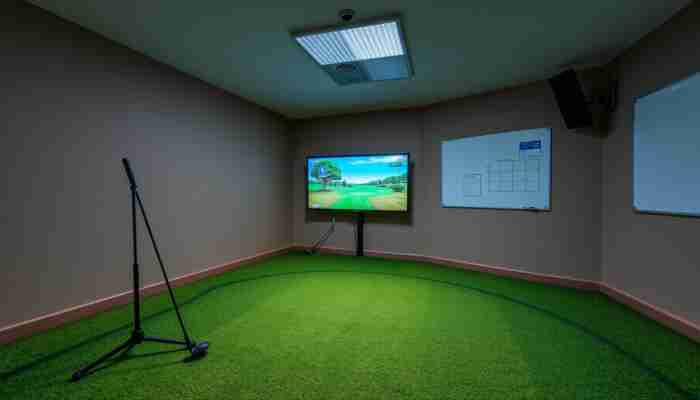
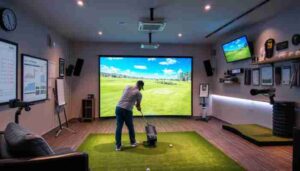
The best budget golf simulator is not necessarily the cheapest product. For most golfers trying to keep the initial cost down, the smartest setup starts with a simulator-capable launch monitor, a safe hitting mat and net, and an existing phone, tablet, TV, or computer. A projector, impact screen, enclosure, and dedicated simulator PC can be added later.
This approach puts the budget into shot tracking first and room presentation second. It also makes it easier to upgrade without replacing the core system.
Compare all available systems in
GolfSimPlanet’s golf simulator collection
or browse
launch monitors
if shot tracking is your first priority.
Quick answer
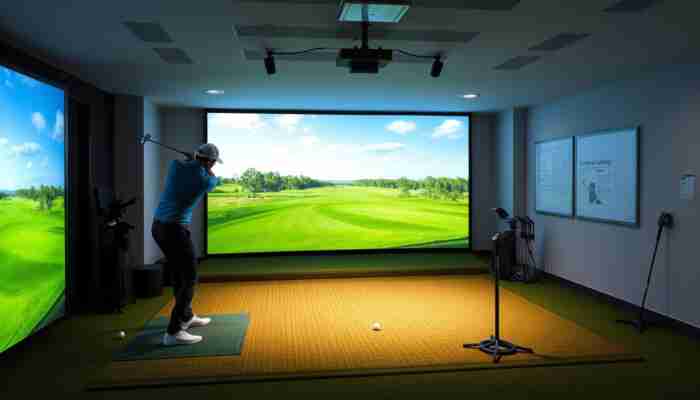
If your total equipment budget is under $1,000, focus on a simulator-capable launch monitor and a simple net-based hitting area rather than trying to recreate a premium projected simulator room. Current sub-$1,000 options include devices such as the Rapsodo MLM2PRO, original SKYTRAK, Square Golf Home Edition and Swing Caddie SC4 Pro. Prices and software costs vary, so compare the complete ownership cost rather than the hardware price alone.
What Does “Budget Golf Simulator” Actually Mean?
A golf simulator is a system, while a launch monitor is only one component of that system. This distinction is important when comparing affordable options because a $600 launch monitor and a $600 “simulator” may provide very different experiences.
A complete indoor golf simulator can combine:
- shot-tracking hardware — usually a launch monitor or dedicated sensor system;
- simulator software — for virtual ranges, courses, games and shot visualization;
- hitting mat — the surface used for every swing;
- net or impact screen — to safely stop golf balls;
- projector or separate display — optional for a functional practice setup;
- enclosure — for containment, room protection and immersion;
- computer or mobile device — depending on the software and launch monitor.
That is why the cheapest route into simulator golf is usually not a complete room. It is a smaller system that preserves the parts you need now and leaves a clear upgrade path.
For a deeper explanation of the measurement and software process, see
how golf simulators work.
Four Ways to Build an Affordable Golf Simulator
Budget simulator builds fall into four practical categories. Choosing the category first prevents you from comparing products that solve different problems.
| Setup type | Core components | Best fit | Main compromise |
|---|---|---|---|
| Practice-first setup | Launch monitor + mat + net + phone/tablet | Lowest-cost serious practice | Less immersive than projection |
| Simulation-first setup | Simulator-capable monitor + software + mat + net + display | Virtual golf without a full room build | Software may add recurring cost |
| DIY projected simulator | Tracking + impact screen + projector + mat + PC/device | Immersive play with control over component cost | More planning and compatibility work |
| Complete package | Matched simulator components sold as a bundle | Buyers who value convenience | Higher upfront cost and less component-by-component flexibility |
Best Budget Golf Simulator Options to Consider in 2026
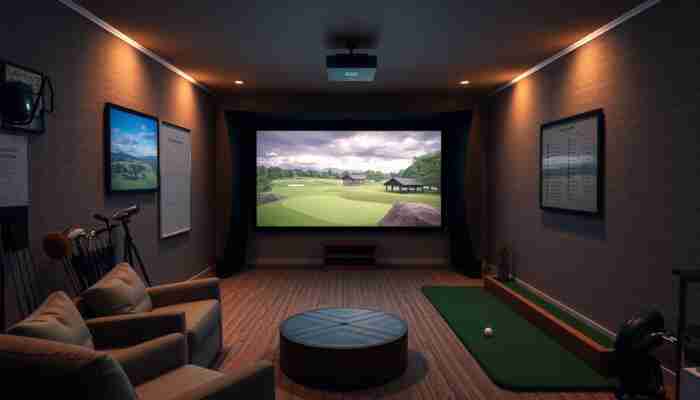
There is no universal “best” budget simulator because the products below use different tracking systems, software models and room requirements. The useful comparison is not simply price versus price; it is price versus the job each system can perform.
The following snapshot uses manufacturer-listed information checked on August 10, 2026. Promotional prices, subscriptions and included software can change, so verify current terms before purchasing.
| Option | Price checked | Tracking / role | Best fit | Check before buying |
|---|---|---|---|---|
| Rapsodo MLM2PRO | $599.99 | Dual-camera + radar launch monitor with simulator functions | Portable indoor/outdoor use and virtual-course play | Premium membership, supported devices, RPT-ball requirements for measured spin and third-party software costs |
| Original SKYTRAK | $695 sale price | Photometric launch monitor | Indoor golfer who wants camera-based shot capture | Sale pricing, membership level and simulator-software requirements |
| Square Golf Home Edition | $699 | Home-focused launch monitor and simulation ecosystem | Dedicated home simulation and golfers comparing alternatives to subscription-based ecosystems | Credit usage, software platform, device requirements and third-party compatibility |
| Swing Caddie SC4 Pro | $599.99 MSRP | Radar launch monitor + 3D driving-range simulator | Simple indoor/outdoor practice with built-in display and optional simulator integrations | Third-party simulation subscriptions and whether its measured metrics match your practice goals |
Research note
Manufacturer information and prices checked August 10, 2026:
Rapsodo MLM2PRO,
SKYTRAK Launch Monitor,
Square Golf,
and
Swing Caddie SC4 Pro.
Prices, promotions and software terms can change.
Rapsodo MLM2PRO: strong fit for portable simulator use
The Rapsodo MLM2PRO combines radar with dual optical cameras and is designed for both indoor and outdoor use. Rapsodo currently lists 15 metrics, including eight measured metrics, and offers simulation across more than 30,000 courses through its ecosystem.
Its main budget consideration is not only the hardware price. Buyers should also account for the Premium membership, compatible RPT balls when measured spin data is required, and any third-party simulator software they plan to use.
See current simulator packages on
GolfSimPlanet’s Rapsodo simulator page.
Original SKYTRAK: an indoor camera-based route at a lower current price
The original SKYTRAK currently appears on the manufacturer’s site at a heavily discounted price. Its photometric tracking makes it a fundamentally different option from radar systems that sit behind the golfer.
The current sale makes the unit relevant to budget buyers, but the discount should not be treated as permanent. Membership and simulation-software costs also belong in the ownership calculation.
Compare available
SkyTrak simulator packages.
Square Golf Home Edition: a different software-cost model
Square Golf currently lists its Home Edition at $699 and promotes it without a recurring subscription fee, with 1,000 software credits included. That makes the platform worth comparing when ongoing software cost matters as much as purchase price.
The important comparison is the complete software model: included courses, credit consumption, third-party simulator support and the platform you actually intend to use.
Swing Caddie SC4 Pro: simple practice plus simulator connectivity
The SC4 Pro combines radar tracking, an integrated display and Voice Caddie’s 3D driving-range simulator. It works indoors and outdoors and can connect to additional simulator software.
It is a useful example of why “budget simulator” does not always mean a complete projected room. A device can provide tracked practice and virtual feedback first, while the surrounding room is upgraded later.
What About the Garmin Approach R10?
The Garmin Approach R10 remains an important portable simulator option because Garmin continues to support it with the Home Tee Hero ecosystem. The current Home Tee Hero app provides virtual play on more than 43,000 courses when used with the required Garmin Golf membership.
The R10 is especially relevant when the same device will be used indoors and at the driving range. For indoor use, however, radar-based systems also require enough room for correct device and ball placement, so room dimensions need to be checked before purchase.
See current
Garmin golf simulator packages.
Can You Build a Golf Simulator for Under $1,000?
Yes, but the realistic target under $1,000 is usually a functional simulator or practice station, not a finished projector-based golf room.
Current simulator-capable launch monitors are available below the $1,000 threshold. The remaining budget can then go toward a safe mat, net and display solution, especially if you already own a compatible phone, tablet, TV or computer.
A projector-based room adds several separate purchases:
- impact screen,
- enclosure or side protection,
- projector,
- projector mounting,
- larger hitting surface,
- possibly a dedicated computer,
- software or subscription costs.
For the full cost breakdown rather than the budget-selection problem, see our
home golf simulator cost guide.
Best use of a limited budget
Buy the system that measures or tracks the information you actually need. Add visual immersion after the core practice experience works correctly.
What Matters Most When Comparing Cheap Golf Simulators?
A useful budget comparison should evaluate the same attributes across every option. Price alone is not enough because two similarly priced systems may differ in tracking method, measured data, space requirements and ongoing software cost.
| Attribute | Question to ask | Why it changes value |
|---|---|---|
| Tracking technology | Radar, camera, optical sensors or another method? | Changes room placement, portability and how the shot is captured. |
| Measured data | Which metrics are directly measured and which are calculated? | Determines whether the data matches your practice goals. |
| Indoor space | Where must the unit sit relative to the ball and screen? | A low price is irrelevant if the unit cannot operate in your room. |
| Software | Which ranges, courses and third-party platforms are supported? | Determines what you can actually do with the measured shot. |
| Recurring cost | Is there a membership, subscription, credit system or software license? | Changes total ownership cost after the hardware purchase. |
| Upgrade path | Can this setup later support a projector, enclosure or better software? | Prevents buying the entire system twice. |
Measured Data vs Calculated Data Matters
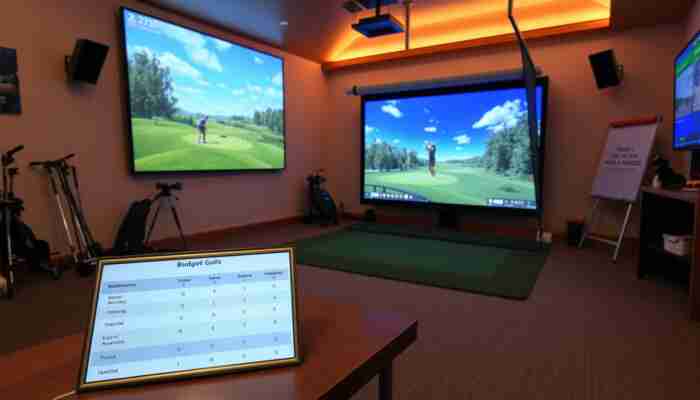
One of the easiest mistakes in budget launch-monitor shopping is treating every displayed metric as if it were measured directly.
Launch monitors can combine directly measured values with values calculated from other measurements. The exact mix differs by product and sometimes by operating mode, ball type or software subscription.
Before buying, identify the metrics that matter to you — such as ball speed, launch direction, launch angle, spin rate, spin axis, club speed or club path — and confirm how the specific device obtains them.
Do not buy an “accuracy percentage”
A single unsupported percentage such as “95% accurate” tells you very little without a test method, reference device, shot sample, metric, environment and source. Compare the tracking method and the data you actually need instead.
Radar vs Camera-Based Systems on a Budget
Radar and camera-based launch monitors can both work in budget simulator builds, but they make different demands on the room.
Radar systems
Portable radar units are attractive when you want to move the same monitor between an indoor setup and an outdoor range. Indoor installations must provide the placement and ball-flight space required by the specific monitor.
Browse
portable launch monitors
for options designed around this type of flexible setup.
Camera and photometric systems
Camera-based systems observe the ball around impact rather than tracking a long section of ball flight behind the hitting area. This can make them attractive for indoor rooms where depth is limited, although the exact placement and lighting requirements still depend on the model.
Where to Save Money — and Where Not To
A budget build works best when inexpensive components are used where they do not undermine safety or the primary purpose of the simulator.
Good places to save
- use a net before buying an impact screen;
- use an existing TV, tablet or monitor before buying a projector;
- reuse a compatible computer;
- build or upgrade the enclosure later;
- start with the software tier you actually need.
Be careful cutting cost here
- ball containment and room safety;
- hitting mat comfort and durability;
- tracking capability required for your goals;
- software compatibility;
- room dimensions and safe swing clearance.
Compare
golf hitting nets
and
golf simulator mats
when building a practice-first setup.
Do You Need a Projector for a Budget Golf Simulator?
No. A projector improves immersion, but it is not required for shot tracking or simulator software to function.
A phone, tablet, computer monitor or TV can display shot data and virtual golf while the ball is hit into a net. That can remove the projector, impact screen and projector mounting from the initial purchase.
When you are ready to add projection, compare
golf simulator projectors
based on screen size, throw distance, aspect ratio and room lighting rather than simply buying the least expensive projector.
DIY Budget Simulator vs Complete Package
A DIY build gives you more control over where the money goes. A complete package reduces the amount of compatibility work.
| Decision | DIY build | Complete package |
|---|---|---|
| Initial flexibility | High | Lower |
| Component matching | You verify compatibility | Usually selected as a system |
| Upgrade path | Very flexible | Depends on package |
| Planning effort | Higher | Lower |
| Best fit | Value-focused buyer comfortable selecting parts | Buyer prioritizing convenience |
For enclosure-based upgrades, compare
golf simulator enclosure packages.
Best Budget Setup by Goal
prioritize the launch monitor, the metrics you need and a good hitting mat. Start with a net and existing display.
choose a simulator-capable launch monitor only after checking the included course ecosystem, memberships and third-party software support.
compare the monitor’s exact placement requirements before purchase. The room can eliminate otherwise attractive budget options.
prioritize portability and a system designed to work in both environments.
plan the screen, projector and enclosure as a second stage after choosing the tracking system.
Common Budget Golf Simulator Mistakes
Build around the right core
Start With the Tracking System, Then Build the Room Around It
Compare launch monitors first if practice and shot feedback matter most. Compare complete simulator packages when you would rather buy a matched room solution.
Frequently Asked Questions
What is the best budget golf simulator?
There is no single best budget simulator for every golfer. For practice, prioritize a launch monitor that measures the data you need. For virtual golf, prioritize simulator compatibility and software cost. For a small room, prioritize tracking technology and placement requirements.
Can I get a golf simulator for under $1,000?
Yes. Several simulator-capable launch monitors currently cost less than $1,000, so a basic setup using a net, mat and existing display can fit within that range. A complete projector-based room normally requires additional equipment and therefore a larger total budget.
What is the cheapest way to build a home golf simulator?
Start with a simulator-capable launch monitor, hitting mat, golf net and a device you already own. Add the impact screen, projector, enclosure and dedicated computer only when you want a more immersive room.
Do cheap golf simulators measure spin?
Some do and some do not. Other systems may calculate certain spin values or require specific balls, subscriptions or operating modes. Check the manufacturer’s list of measured metrics for the exact model rather than assuming that every displayed value is directly measured.
Do I need a projector for an indoor golf simulator?
No. You can run simulator software on a phone, tablet, monitor or TV while hitting into a net. A projector and impact screen increase immersion but are optional for a functional practice setup.
Is a budget golf simulator accurate enough for practice?
That depends on the tracking system, the metrics you need, correct installation and the indoor environment. Evaluate the specific launch monitor and its measured data rather than assuming that price alone determines accuracy.
Is radar or camera tracking better for a budget simulator?
Neither is universally better. Portable radar systems can be attractive for indoor and outdoor use, while camera-based systems can suit dedicated indoor spaces. Room dimensions, required data and intended use should decide between them.
Should I buy a complete golf simulator package or build one myself?
Build it yourself when you want maximum control over cost and future upgrades. Choose a complete package when matched components and a simpler purchasing process matter more than minimizing the initial price.
Bottom Line
An affordable golf simulator should be judged by how well it completes your specific job, not by how closely it resembles a premium simulator room.
If your budget can stretch beyond an entry-level build, compare the best indoor golf simulators across broader room, data, and software requirements.
For skill development, spend first on tracking and the hitting surface. For virtual golf, confirm software and ongoing costs. For immersion, add projection only after the tracking system and room geometry are settled.
That approach makes a budget simulator cheaper to start, easier to upgrade and less likely to leave you paying twice for the same component.

Lila Chambers is an avid golf enthusiast and author who specializes in writing about indoor golf simulators. With a passion for blending technology and sport, she explores how these innovative systems enhance the golfing experience, making the sport accessible year-round. Lila’s insightful articles provide valuable information for both casual players and dedicated golfers, helping them navigate the world of indoor golf with ease.


Discussion
3 Responses
This guide offers a refreshing perspective on budgeting for home golf simulators. It’s smart to prioritize a quality launch monitor as the foundation of any setup; after all, the accuracy of shot tracking can significantly enhance practice. From my experience, starting with a monitor like the SkyTrak or Mevo+ can provide valuable data that helps in fine-tuning your swing without breaking the bank.
I appreciate the thoughtful breakdown of what makes a budget golf simulator setup effective. Your emphasis on prioritizing shot tracking and functionality over aesthetics resonates with me, especially as a golfer who finds immense value in data and improvement rather than just the visual appeal of a setup.
This is a savvy approach to budget golf simulators! It reminds me of that age-old adage: “You can’t buy happiness, but you can buy a launch monitor… and that’s kind of the same thing.” I’ve been tempted to jump into full simulator setups, but your advice about prioritizing shot tracking over flashy aesthetics is spot on.